Grateful, thankful, humbled, blessed.

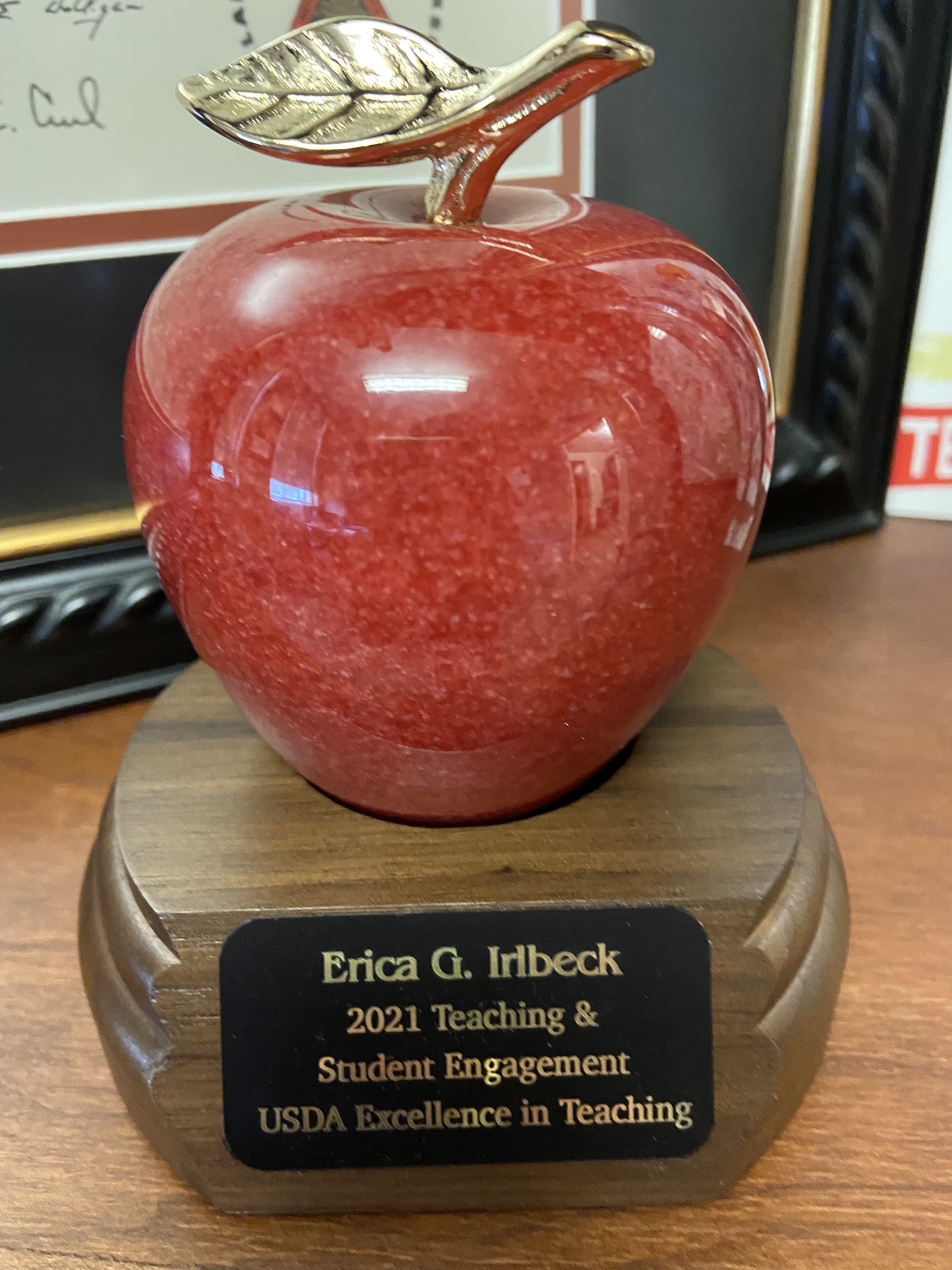
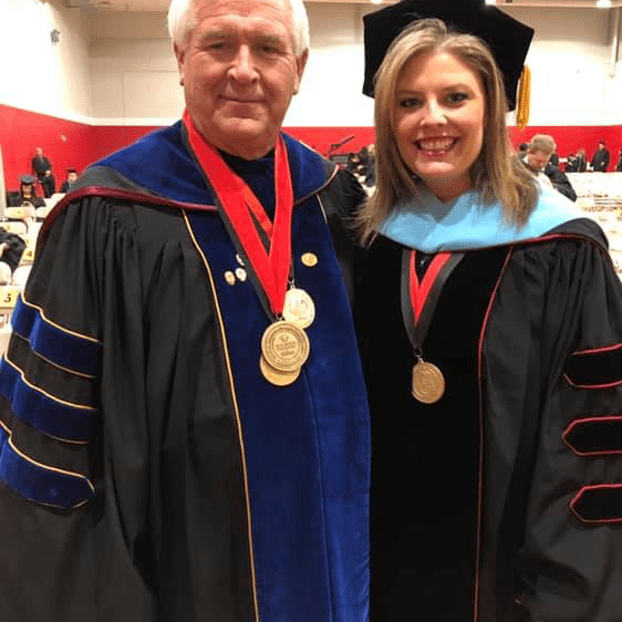
This week, I received the highest award of my career: the United States Department of Agriculture Teaching and Student Engagement Award for Excellence in College and University Teaching in the Food and Agricultural Sciences. When I filled out the application (which was a beast), I just kept thinking the task was a fool’s errand – there was no way I would win something like that. There are way better teachers in the world than me.

But, I must have done a good job of filling out the application, because for some reason, they chose me. When they presented the award, we were allowed two minutes for an acceptance speech. Two minutes isn’t nearly enough time to thank everyone that needs to be thanked. I’m not going to tweet this out or post this anywhere but here. I just wanted to get my thoughts down and express my gratitude to those that make it easy for me to be a teacher.

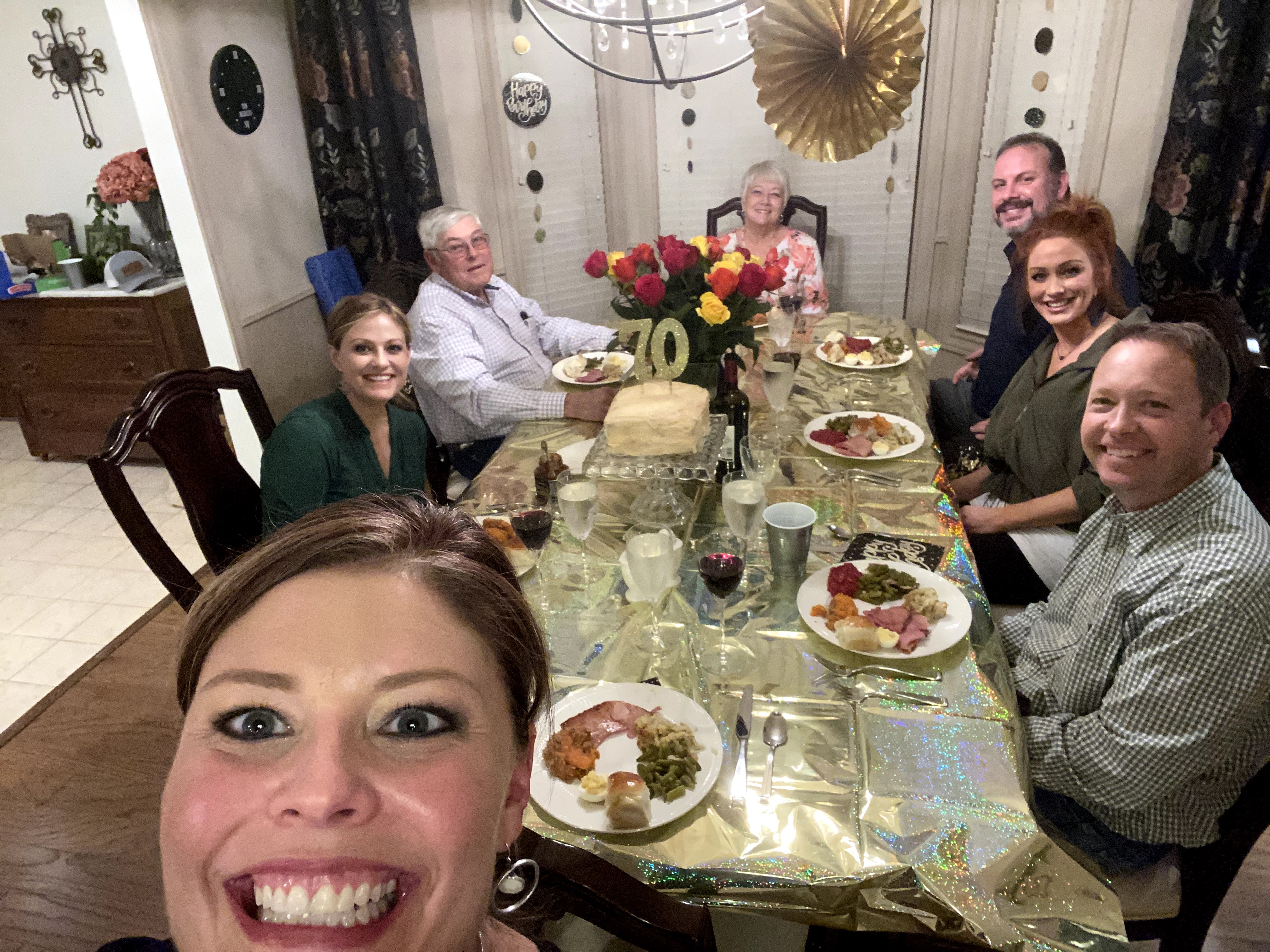
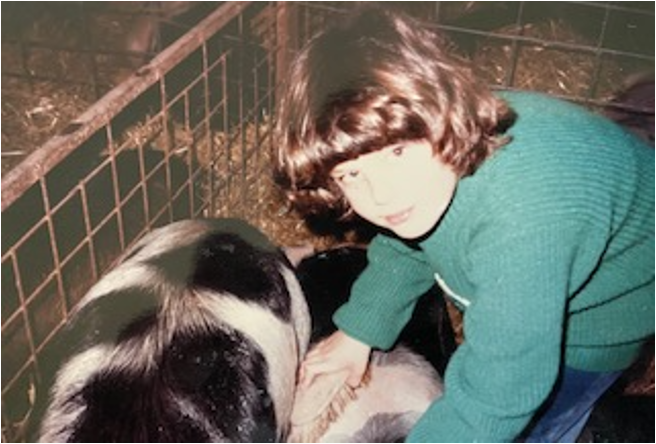
I still give my mom this look sometimes when she takes my picture.

Like all of us, my career as a teacher began as a student. I am so lucky to have been raised by parents and an extended family (it took a village) that insisted that I be a reader, they encouraged creativity, and they pushed the importance of school. Jean Hughes, my first grade teacher, taught me to read; Alberta Bliss and Lisa Bixler, my second and third grade teachers, made me feel smart; Nelletta Johnson taught me the most basic communications skill – letter writing, how to be picky with page setup and alignment, and introduced me to the very early versions of the Adobe Creative Suite. Sharon Ross taught me to ask for help when I needed it. Cindy Baker pushed my interest in reading and writing. Randy Nation and Jack Staats took me to stock shows and FFA conventions and helped me realize the potential of a career in agriculture.

My parents knew I was smart before I ever did. For them, it was never a question of “are you going to college,” but “where are you going to college.” School was important, but so was being a well rounded person, which included church, sports, music, livestock shows, some travel and 4-H and FFA. My family farmed, and they instilled the value of work, responsibility, frugality, and all the other life lessons that growing up and working on a farm brings. I ask my parents how they raised three functioning, responsible adults, and their answer never changes: “we made you work.”

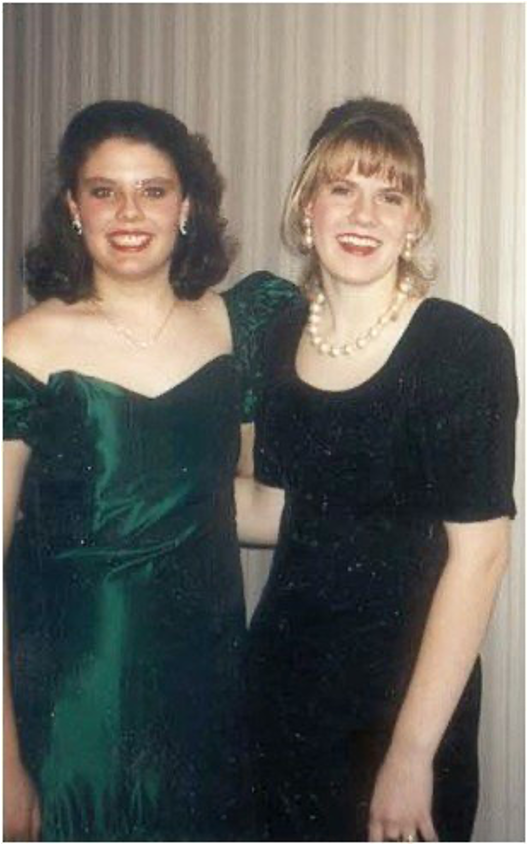
Cara and me at National 4-H Congress, 1992.

I’m so lucky that Oklahoma 4-H and FFA were such important parts of my life. I learned public speaking, developed confidence, gained people skills, and made lifelong friends that I still treasure. The first is Cara Bigger Ferrell. She and I sat together on Bus #3 on the Citizenship Washington Focus trip, then we were lucky enough to go to National 4-H Congress in Chicago together. We were roommates our freshman year at Oklahoma State and have been besties ever since. She is a solid, true friend and I will treasure her forever. Shannon Ferrell was also on Bus #3, and even though it took two more years, Austin Moore and I made sure that Shannon and Cara started dating. We knew they were perfect for each other and we take full responsibility for this (now married with a kid) couple.

Austin is another 4-H friend that lasted a lifetime. We enrolled at OSU on the same day, and I suggested that he join me in majoring in ag comm. We worked together at SUNUP, went to the NAFB conventions every year, took a lot of classes together, and planned many social gatherings. Our 4-H careers came full circle when I suggested to Austin that he come to Texas Tech to work on a doctorate – and he did! Austin is another lifetime, true friend. My life is better because he is my friend.

Austin Moore. 4-H friends first. Nerd friends always.

I’m now seeing the importance of 4-H come full circle in this season of my life in the development of my son. I’m finding that my volunteerism in 4-H Youth Development is very fulfilling, and I encourage everyone get involved in something that gets young people involved in discovering the benefits, value, and opportunities in agriculture and natural resources. We need bright young minds from all walks to be inspired to enter the field (see obnoxious mom pictures at the end of this post.).

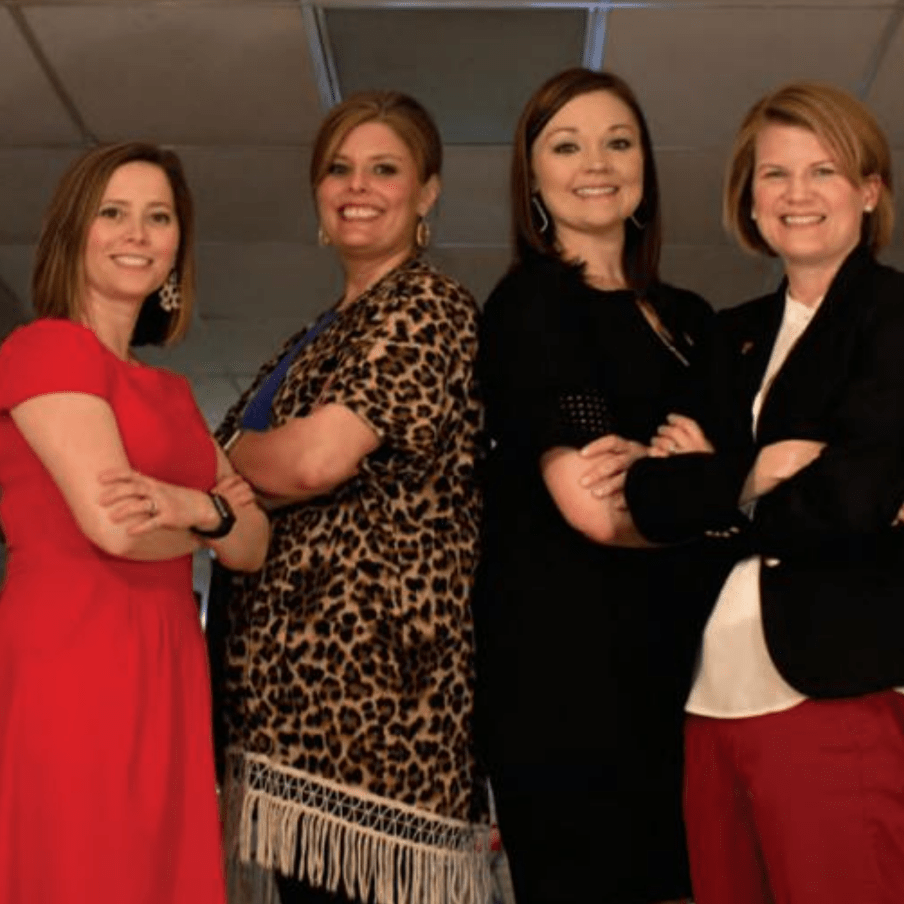
It’s easy to be a good faculty member when I work with great people that make it fun to come to work every day. Courtney Meyers, Courtney Gibson, Lindsay Kennedy, and Laura Fischer, you are friends first and fabulous coworkers. I challenge any department in the country to have a working group as awesome, functional, and friendly as ours. Cindy Akers and David Doerfert encouraged me to enter academia, showed me the way, showed me how to be a teacher and researcher, mentored me, and above all, they are wonderful friends. Steve Fraze hired me as an assistant professor, and Scott Burris continues to lead our department.

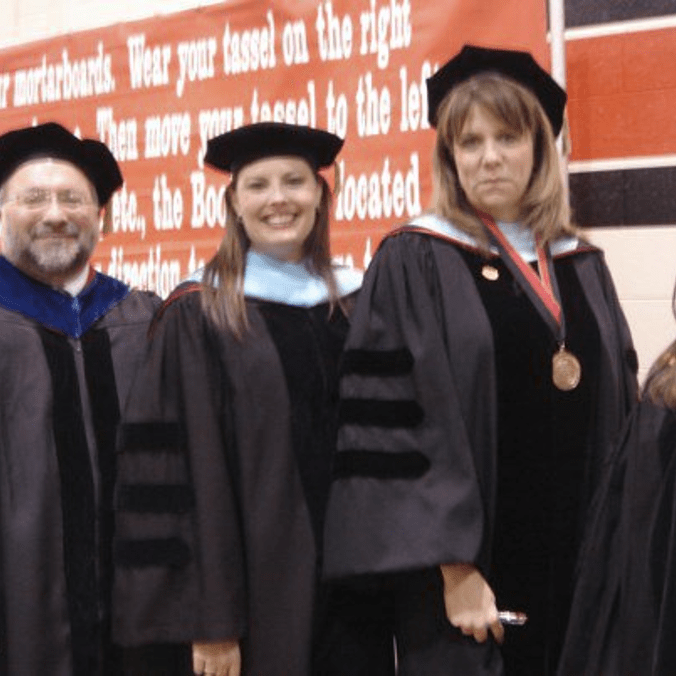
A dream team: David Doerfert, Cindy Akers, Steve Fraze, Courtney Meyers, Courtney Gibson, and Lindsay Kennedy. I have many other wonderful co-workers, just don’t have a picture to share.

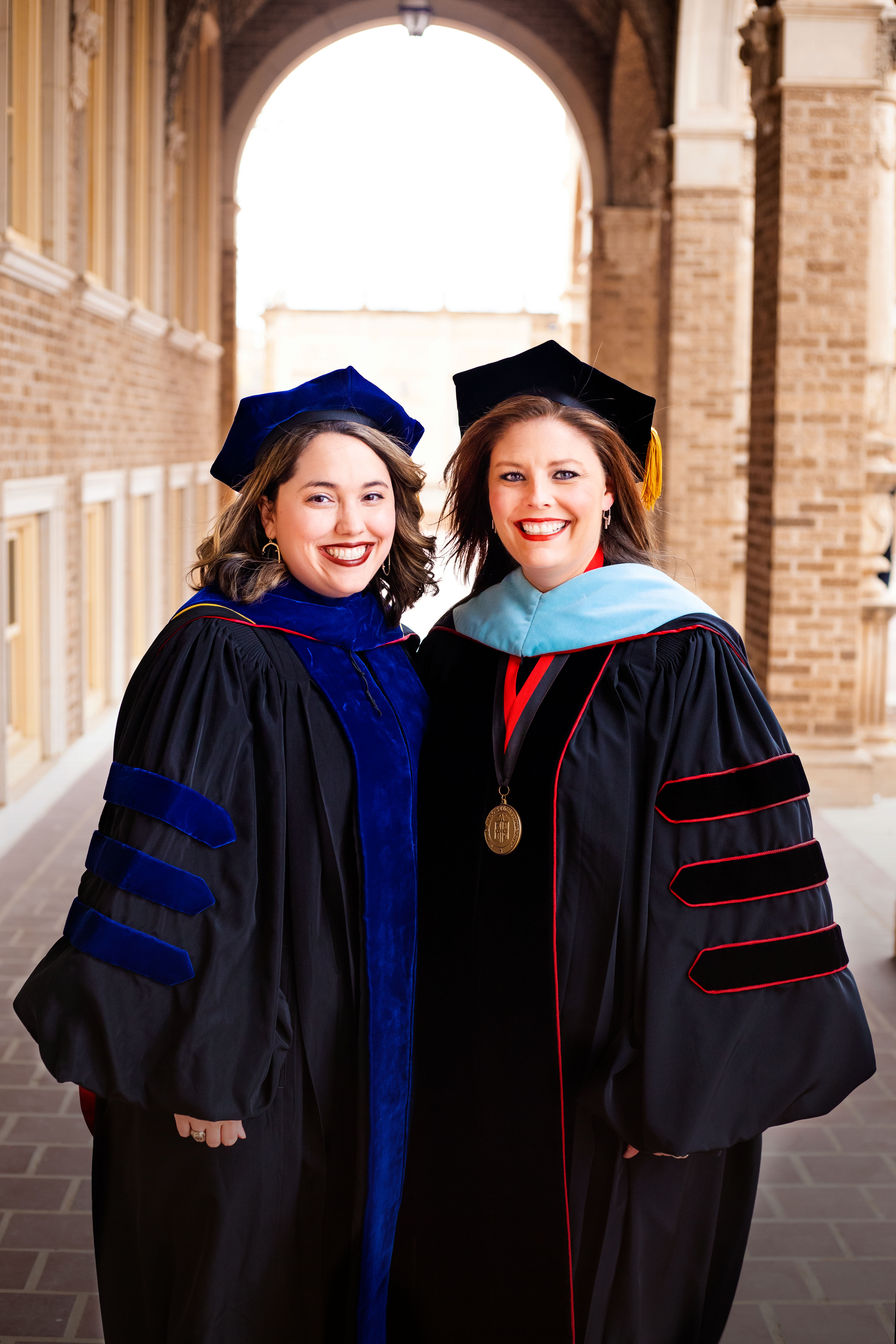
Kelsi Opat, Ph.D., now being awesome at Missouri State.

My students are very teachable, respectful, fun, and willing to learn. I have taught hundreds of amazing undergraduate students, many of whom are now movers and shakers in agricultural communications. My past and present graduate students have been an absolute pleasure to work with, and it has been my honor to help them with their theses, dissertations, and other research studies, many of which have been published nationally. I feel quite confident in the future of agriculture knowing that my former students are leading the way with their superior communications and leadership skills.

Texas Tech has been instrumental in helping me develop my teaching skills. The university so helpful in its research assistance programs, mentoring, and above all, the Teaching, Learning, and Professional Development Center. Good teaching is highly valued at TTU, and the university has lots of resources dedicated to help us help our students.

Finally, and above all, thank you Mom, Dad, Erin, and Evin. I attribute any success to their love and support, even when I was being a jerk an didn’t deserve it. My grandparents were always cheering me on, teaching me so many unspoken lessons, and simply were there. My in-laws are so helpful and encouraging of my career at every step.

My husband, Scott, and son, Jett, are the most loving, patient, and supportive people of my career and deserve this award right alongside me. Both of them are always willing to let me bounce teaching ideas off them, test out new camera equipment, talk through my day, and share my joy. I am the luckiest person in the world to get to come home to two guys that love me so much, and I hope they know how much I love them in return.

One of the Joys of My Job

One of the most rewarding parts of my job is getting to watch doctoral students finish their dissertation, graduate, then move on to faculty jobs. Dr. Kelsi Opat graduated in 2020, completed a post-doc here at Texas Tech, then started as an assistant professor at Missouri State University this fall. It has been so much fun to watch her post pictures of her new students as she grows the program into something great.

Kelsi was my advisee as an undergraduate, and lemme tell ya. She was so shy! She was one of the sweetest students I had, super smart, the other students liked her, and I really liked her, but I didn’t feel like I knew her all that well. That’s why when she sent me an email several years after her graduation, I was surprised when she asked if we had any classes that she could teach. She said she had completed her master’s degree in Kansas, and she and her husband would like to move back to Lubbock.

I responded that I was hiring a doctoral student and the position would have an opportunity to teach a class if she was interested. And I am so glad she was. We had so much fun working together, and I loved watching her grow as an instructor, a researcher, a mom, and as a friend.

Kelsi has this great way with students – she’s calm, gentle, and knowledgeable, but she’s in charge. She’s quiet compared to me (well, everyone is quiet compared to me), but the students listen to what she has to say. Her classroom command and demeanor are so unique – in a very good way.

My baby with Baby Leo

As a researcher, Kelsi has several interests, and she really found her niche in the area of podcasts. Few, if any, are conducting research in the area of agricultural podcasts. For her dissertation, she created her own podcast, then designed an experiment to test two different styles of podcast storytelling. She found that the more you can connect a personal story to science, the better the audience will receive it. Her research is quite innovative, and I’m excited to see it published. Her dissertation is available in the Texas Tech Library at this link.

Getting to watch Kelsi and her husband Will start their little family was such a pleasure. I got to see Baby Leo when he was just a few hours old, and it has been so fun to watch him grow up. Their new home in Missouri is just perfect for them, and I’m glad to see that Leo has put a lot of miles through the Ozark hills in Jett’s old Case tractor.

The thing I don’t like about my job is when the good students leave. It was hard to see the Opats go. I miss my lunch buddy. I had someone to listen to my rambling stories about nerd things and t.v. shows. I had a fellow book lover. But the great thing is to see former students leave and flourish. Missouri State is lucky to have such a warm, hardworking, brilliant, and dedicated faculty member in Kelsi Opat. She’s already doing an amazing job as a teacher, researcher, grant writer, and adviser. She hosts her student organization at her house, and the students are responding to her enthusiasm and leadership.

Thank you, Kelsi for being my student, for keeping me motivated…and for introducing me to StitchFix.

Kelsi’s new students at Missouri State University. She’s so awesome that she hosts them at her house. Notice Leo fitting right in with his own lawn chair.

Nine Rules for Basic Video Production

With affordable video production equipment that now fits into pocket, everyone has the ability to produce videos.

Note, I said videos. I didn’t say anything about a professional video.  Yes, anyone can make a video, but here are a few tips that will take a video up a few levels.

Rule #1.


Use the tripod.

47329_469001726806_7837049_n

This is a situation where it’s okay to not use a tripod. When there are big crowds, moving subjects, and quick action, the tripod may be more of a burden.

You may think your shots are steady, but they’re not.  Even with the great image stabilizers that are on smart phones now, we can still see some camera movement.  I’m not saying that you must have sticks under the camera for every single shot. Sometimes a tripod is just not an option due to the location or situation. Sometimes you want a moving shot to demonstrate intensity or movement – even in a high quality, professional video.  But the majority of the time, use a tripod or something else to stabilize the camera. It can be a desk, tailgate, fence post, the ground, anything that’s stable. For suggestions for smart phone equipment, including image stabilization, see this post.


Rule #2.

Use a microphone, and not the one built into the camera. This is only if you’re going to shoot interviews though. I can tell within a second or two of an interview if the camera mic or an external mic was used.  Nine times out of ten, the camera mic makes the interview sound like it was shot in a bathroom.  The mic picks up the air conditioner and other room noise and it sounds terrible. After you purchase the camera and tripod, if you want to produce professional-looking videos, a microphone would be my next purchase, even if you’re using a smart phone. For microphone suggestions, see my earlier post.

Rule #3

Look and listen around the scene. What do you see and hear that can spoil your shot?

Picture1

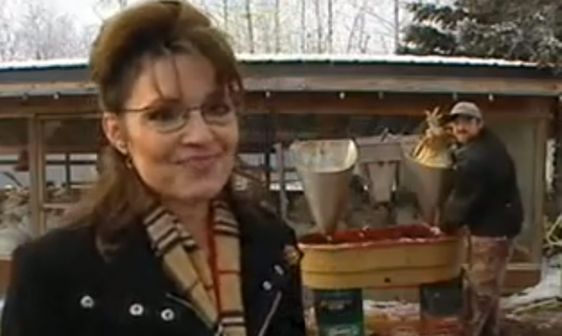
I have used this before and will continue using it because it’s so funny! Former Alaska Governor Sarah Palin was at a turkey farm and they were processing the turkeys behind her.  🙂 🙂

Are there kids in the background acting like goofballs? Are you close to a highway with noisy trucks driving by once a minute? Are there animals in the background that are in the “family way”? (This has happened to me!) Is the sun/shade combination casting weird shadows on the interview subject? If you see any of these things, change your location.

To turn this around, also be looking for things that are visually appealing,  Where do you see great action that can help tell the story? Are there vibrant colors that would make a nice shot? Any cool natural sound? Sometimes that truck that ruins your interview can provide wonderful natural sound. Is there any emotion that you could capture with the camera? These small details can make a huge difference for the overall interest and quality of the finished product.

Rule #4. 

White balance. Most cameras now have an automatic white balance function, but don’t rely on it. Take the extra 20 seconds to white balance.  Check your camera’s manual to learn how to do this on your specific camera.  This step will make the color of your video more accurate.

Rule #5. 

Set your shot, hit record, and don’t touch the camera for 10 seconds.  We’re all going to shoot zooms, pans, and tilts, but most of the time, those set, steady shots will give you the result you’re looking for. Plus it’s so much easier for you to edit when the shot is steady and you’re not jacking with it!

Rule #6.

MOVE! Move the camera, move yourself, move the tripod legs up and down – just don’tstand still. A lazy videographer is not going to get the shots he or she will need.  Let’s say we’re doing a video about a dairy and we’re in the milking parlor.  Stand in a corner and shoot a wide, establishing shot so the viewer knows what we’re seeing.  Now go to the opposite corner and shoot a 10 second shot.  Now get up close to the udders to watch the milk pumping into the tubes.  Get a close up of the cow’s face.  Get a medium shot of the employees working.  All of these shots require you to MOVE. Although it’s fine to use the camera’s zoom lens to adjust your shot angle, if you need a shot of something close, physically move the camera.  As you can tell, lazy videography is one thing that really annoys me, especially if I’m the person that’s doing the editing.

Screen Shot 2020-07-17 at 12.00.55 PM

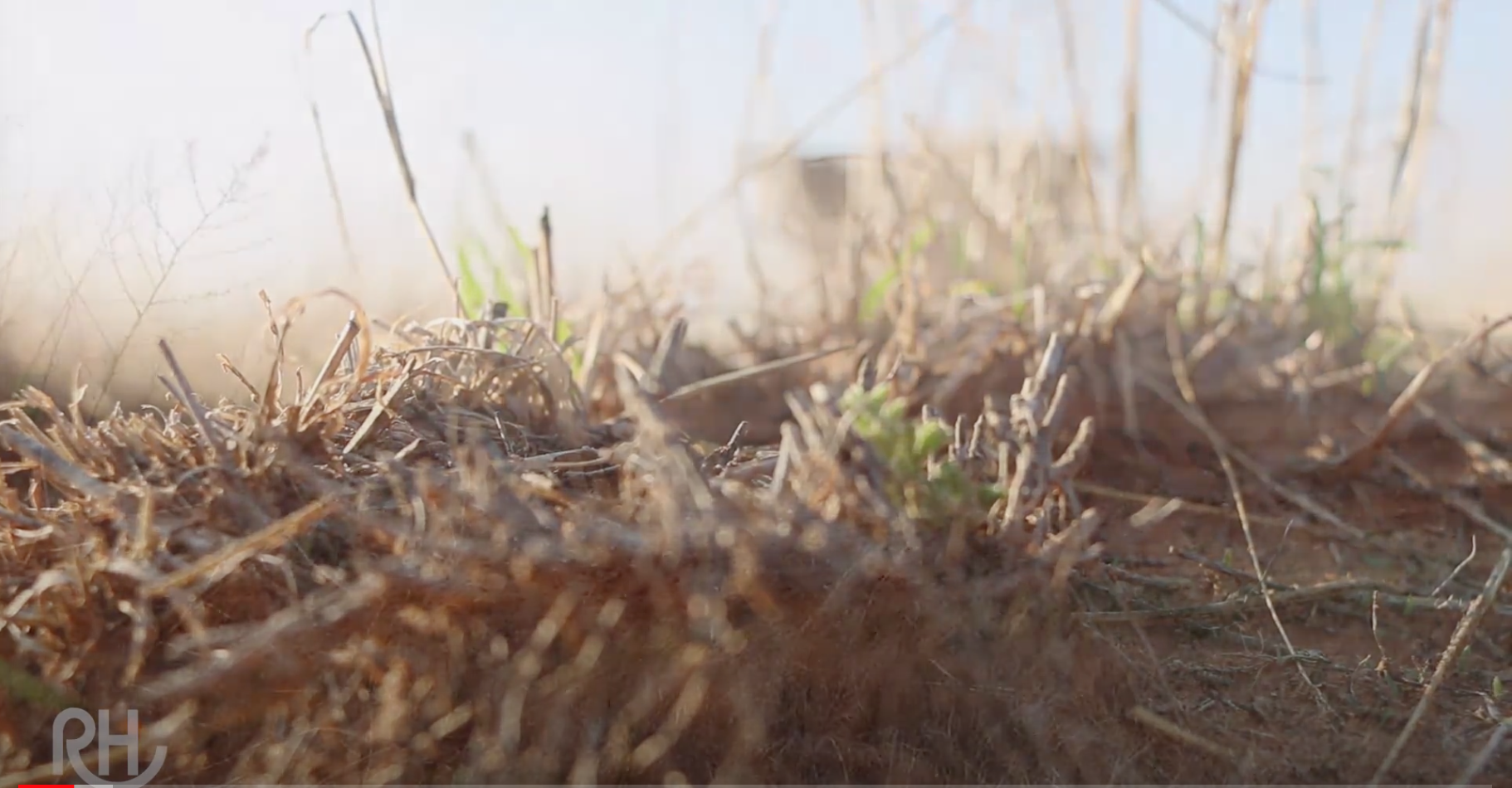
I have always loved how this shot turned out. We were doing a video about drought, and I wanted to see the tiny green grass coming through. The ground was my tripod and the camera was right in the middle of the grass.


Rule #7.

Shoot until you think you’re finished, then shoot 10 more shots.  I have never ever said “I shot way too much video. I can’t use all this.”  It’s a good day when I shot just enough.  For a professional video, you will need much more b-roll than you think.  It never hurts to get extra, but it can ruin your video if you don’t have enough.

Rule #8.

Make sure your clothing will not prevent you from getting the shot.  Are you going to be out in wheat stubble?  Wear jeans so you don’t cut up your legs. Shooting in the swampy heat of Belize? Wear a cotton t-shirt, shorts, and pull your hair back so that you don’t overheat. Shooting a feedlot in January at sunrise? Invest in warm shoes, gloves, and coats. Interviewing the secretary of agriculture? Dress professionally so that you don’t look sloppy going into a government building.

I have many times heard a videographer say that he/she stopped shooting because it was just too hot/cold.  If someone is paying you to shoot video, they’re not going to be too happy that you didn’t do what you were hired to do simply because you got hot/cold.  Sometimes you only have one chance to get the shot you need.  Don’t make yourself look dumb because you weren’t dressed right. This is a good way to lose future business.

Rule #9.

This is more of a guideline than a firm rule, but try your best to shoot early in the morning or late in the evening. The light is much prettier and less harsh at that time of day.  Your interview subjects won’t be blinded by the light at these times. Plus light during the golden hour makes a person face look really nice.  If you are traveling and are not certain when sunrise and sunset will be, use this website: timeanddate.com

Sometimes you have to break the rules, but for the most part, know the rules and follow them. Then, have a reason to break the rules for a cool look or effect.  Everyone expects to see video these days, and it’s fairly easy to do now.  Take your videos up a level by implementing these guidelines.

Eastbound and Down

img_0568

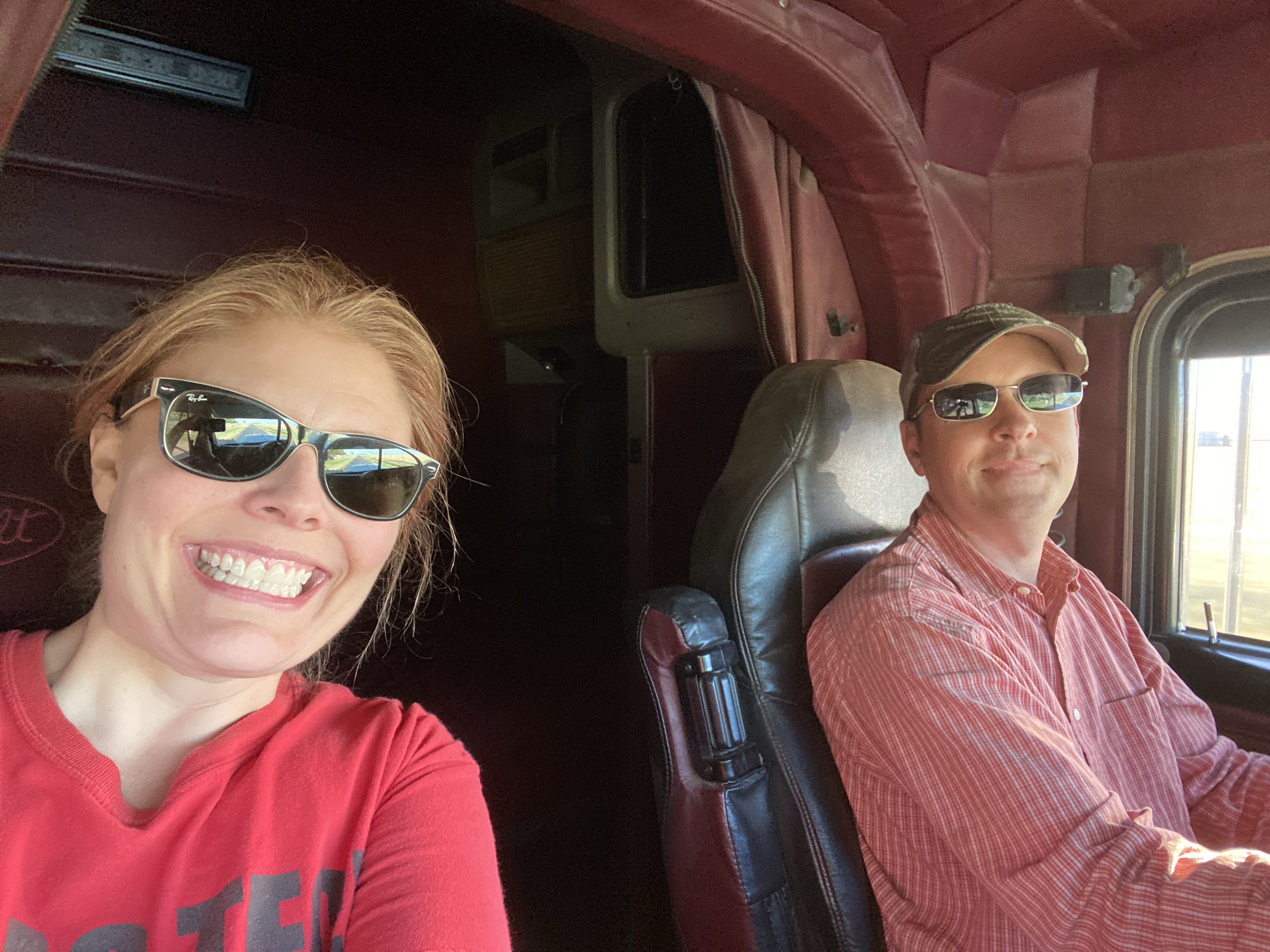
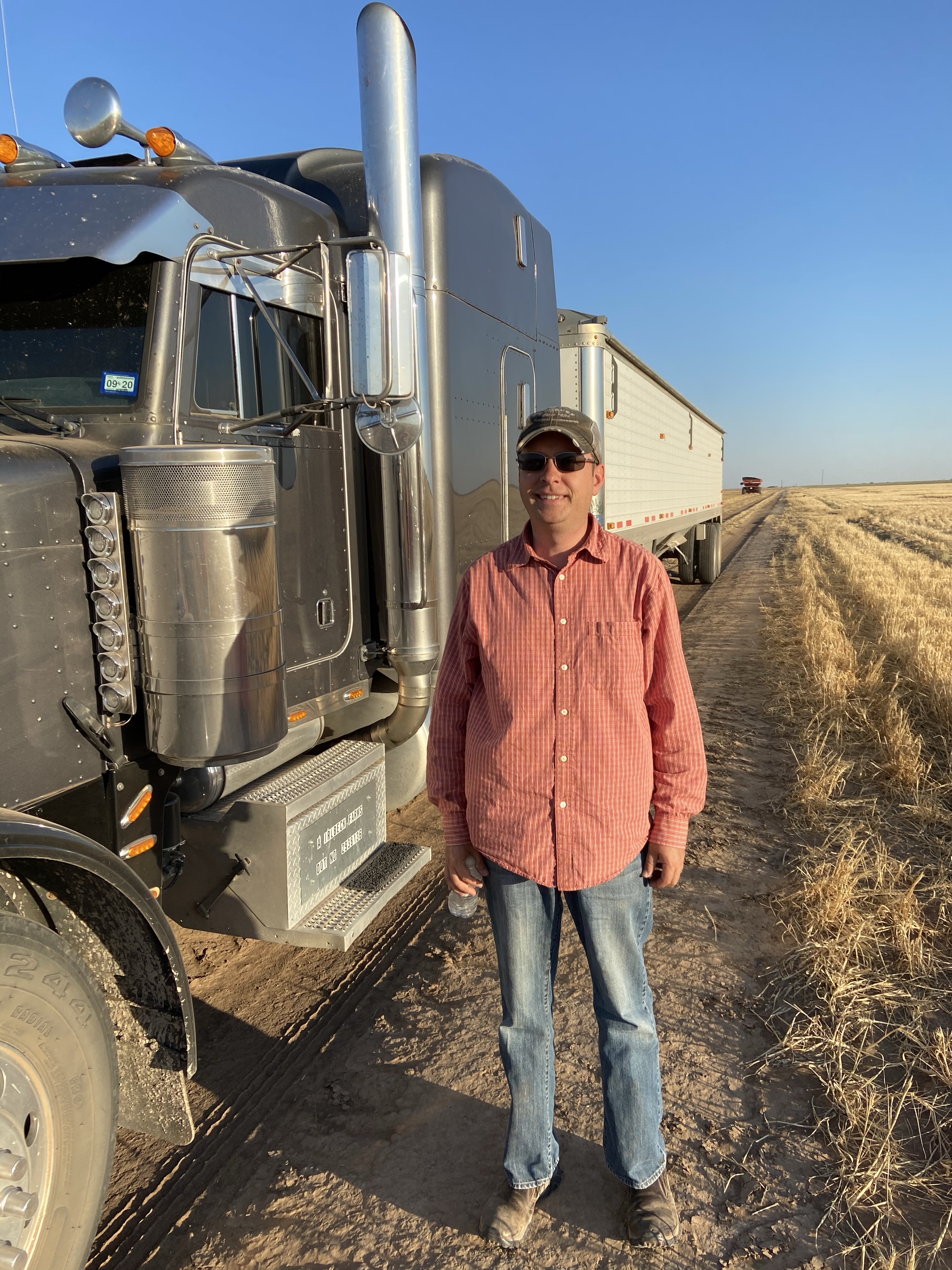
I look a little scared here.  It’s because he was taking his eyes off the road to smile for the pic. I didn’t like it. 

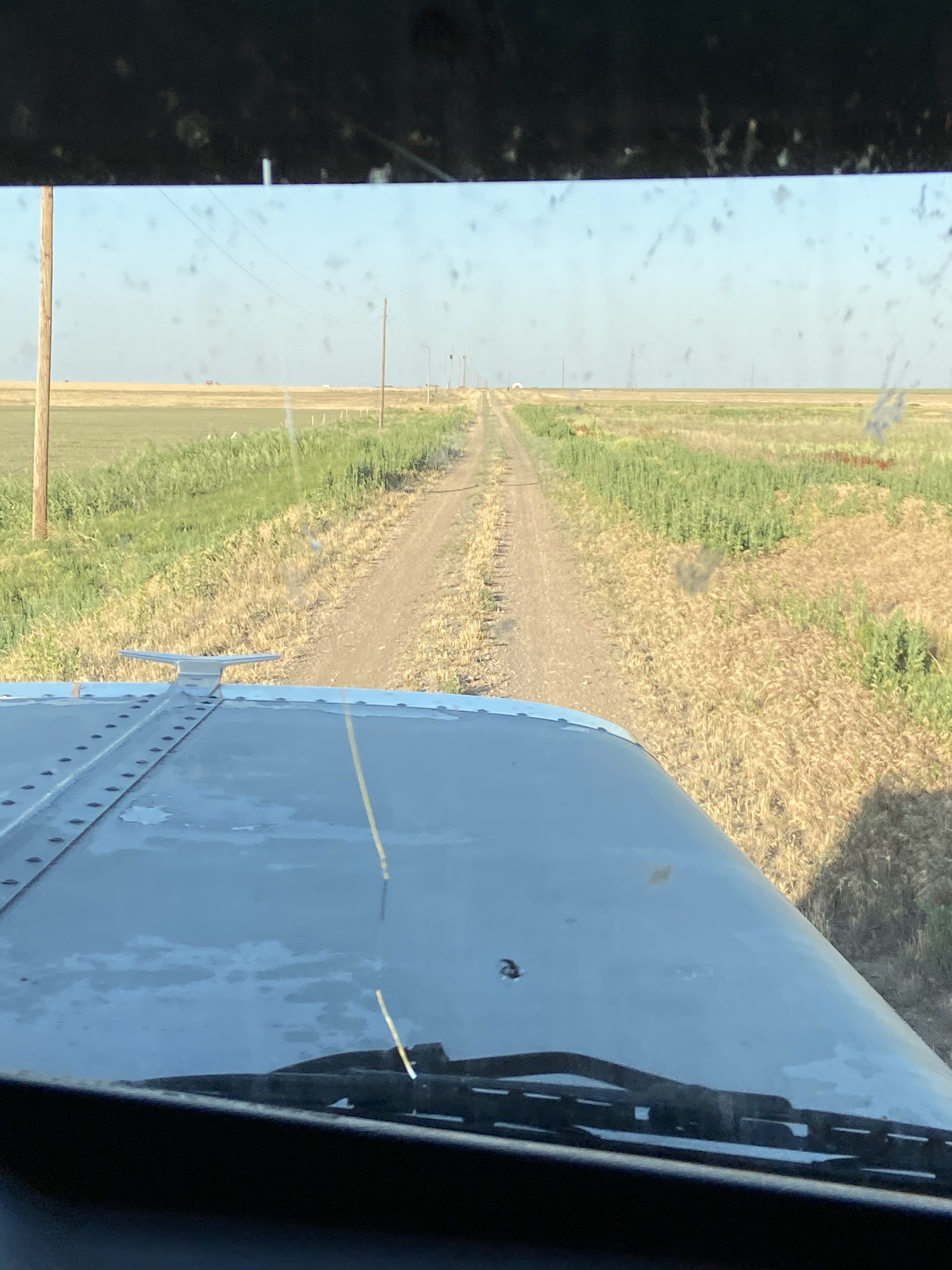
I did something I last weekend that I haven’t done before. I rode in a semi that my husband was driving. It was wheat harvest, and my husband was taking his wheat from the field to town. This is a skill I didn’t know he had. I knew driving a truck was complicated, but I had no idea just how involved it was. I rode with him to take two loads to the elevator, and after doing so, I was compelled to write about it.


For a long time now, I’ve told Scott that I could probably drive the truck for him. I drove a wheat truck for my dad several summers – it was an older tandem axel truck. It was sort of like driving a pick up, other than it was loaded down with wheat and the brakes were questionable. But I got along just fine.

After watching Scott drive the semi, though, I’m scared to death to drive it, and I have a lot more respect for truck drivers.

As I said before, it’s complicated. There are all sorts of buttons and switches. There’s an extra five gears. The engine has a brake, which I still don’t understand. There’s a lot going on just to make it go. 

But there’s even more going on to make it stop. There’s the engine brake that I mentioned before. It’s gawd-awful loud and many towns don’t allow them inside city limits. If the truck is loaded with grain, it can take a mile or so to slow to a stop. Then there’s the park brake. It operates with air and makes a disturbing loud noise when he would press it. I jumped every time. Every. Freakin. Time.

img_0569

Narrow county roads like this are pretty typical. 

Operating the truck is complicated enough. Navigating the roads is another issue. The picture on the right is extreme, but not unusual. Wheat fields aren’t always right next to a highway, so the trucks have to drive down narrow country roads, dodge potholes, and stay away from a really low shoulder. Scott didn’t have to go too far on roads like these, and most of the road was pavement, but that’s not saying much. The paved road he uses doesn’t have a shoulder, and it’s a narrow two lane to begin with. When he meets a car, he has to get really close to that shoulder – dangerously close. If he were to go off the shoulder in the wrong place it could roll the truck. 😱

Other issues- those trucks are long. Really long. It feels like forever to cross through an intersection, which is kind of scary. People pull out in front, and not realizing that a truck can’t stop quickly like a car can. Trucks are tall and the wind whips them all over the place.

We all have stories about bad experience in sharing the road with a semi truck. They’ve taken up too much of the road and nearly run us into the ditch, or they hugged the center line making it difficult to pass, or they sped up when you were trying to pass, or….. well you get what I’m saying. As with anything, there are some bad/irresponsible players out there.

But during the harvesting season, there’s a good chance that driver is a farmer, just trying to make a living by driving his crop to town. So, when you meet a big semi truck on a rural highway, slow down and move over to meet them. Don’t pull out in front. Show a little grace. Someone’s husband/dad or wife/mom (just not this wife/mom) is driving that truck. Truck driving is not his or her main job, and they’re probably just as nervous as you are. Please do what you can to help them come home safe.

img_0570

My sometimes truck driving husband.  

When the Media Calls: Being Prepared for on and off Camera Interviews

In my last post, I was very encouraging to participate in media interviews.  The media has a responsibility to disseminate information, so they will find someone to interview, and it may be someone that does not have your knowledge. If you have expertise on the topic, be willing to help them understand.

A Reporter Called.  Now What?

First, don’t be ambushed. And by ambushed, I don’t mean that a reporter is going to jump out of the bushes with a camera rolling and a microphone in your face. That only happens in the movies and maybe politics (but probably not). It does mean that a reporter may call and want you to do a phone interview right then.  Or a t.v. reporter may show up at your office or farm and want to talk. All you have to say is “I’m not available at this moment, but I do want to talk to you.  Can you give me 30 minutes (or longer) to finish what I’m doing?  In the meantime, will you tell me or email me the questions you plan to ask?”  They’ll work with you.  Or if you truly are unavailable, offer to help the reporter find an interview source. Again, they’ll find someone. Help them find someone that is well spoken and knows what they’re talking about.

IMG_3267

I’ve never been interviewed by Cecelia Vega, or any national media for that matter. But I have my pic with her, so I’m including it because I think it’s cool. 

Preparing for Questions

Ask the reporter what questions he or she will ask so that you can prepare. When you have them, develop a set of talking points. Have two or three points you want to make in the interview and keep repeating those points as the questions are being asked (but don’t be obnoxious about it). Practice answering the questions with someone you trust. You need to find someone who will be honest with you and will help you improve on the way you answer your questions.

I deal mostly in agricultural and science communications, and the typical general assignments reporter may not know much about the industry. It’s okay to educate them and help them understand before the camera or recorder is rolling.

If you don’t know the answer, don’t speculate.  My students often say, “fake it till you make it.” Don’t do that when you’re talking to a reporter.  Be honest, tell the reporter you don’t know, and offer to find the answer. Also, there is no such thing as “off the record.”  If you don’t want something aired or printed, don’t say it to a reporter.

The Look

These are suggestions for on-camera interviews more so than print interviews.

Clean, solid-colored shirts tend to look best on camera. Run a brush through your hair. If you must wear a cap, make sure it’s clean; but know they may ask you to remove the hat as it can create a shadow over your eyes and make you look like you do not have eyes. Ladies, even if you don’t normally wear makeup, a little blush and lipstick will give your face some color and you’ll be happier with the way you look.

In general, avoid solid white on camera. It can wash out your face. Busy prints can look odd, and they can make you look heavier. I don’t like seeing my bare arms on camera.  I’m not exactly ripped, and the few times that I have worn a sleeveless shirt, I haven’t been happy with the way my arms look. Finally, if you’re wearing sunglasses, the videographer may ask you to remove them so we can see your eyes.  If the sun is right in your face and you’re not comfortable, ask if you can put them back on.

The Act

d457fa037f5a5371106f91e0a75650e3Stand still! Try your best not to rock or sway. If you’re sitting in a swivel chair, do your best to not rock. Keep your hands at your sides, but if you tend to talk with your hands, that’s okay. Look at the reporter; ignore the camera. It’s easier said than done, but at the end of the day, you’re just having a conversation with another person. Don’t let the camera make you nervous. Speak up and speak clearly so the microphone can pick you up.  Speak in complete sentences. In my previous post, I noted that people often get upset about their interview getting cut down. I know it can be frustrating, but they have to cut the interview down for time and space constraints. So, speak in complete sentences so that it is easier to select your quotes. This gets easier if you practice before (see the previous paragraph).
They May Need

In most situations, the reporter will let you select the location to conduct the interview. When possible, select a spot that is quiet with minimal distractions.  For a television interview they like to conduct the interview where you work. So, if you conduct research in a greenhouse, they’ll want to be in the greenhouse. If you are a lab scientist, they’ll want to be in a lab. If you farm, they’ll want to be in a field.  This is a generalization – weather and other factors can dictate where the interview will take place. They may set up lights that will require electricity or move things around to make the background look better.

Both print and television reporters will probably need photos and/or video (it’s called b-roll in the biz). Be willing to help them.  Drive them around and show them something that’s visually compelling.  Help them think of video or photos they should shoot.

When It’s All Over

If the reporter did a good job, tell him or her! The news business is a thankless one, so encouragement goes a loooong way.  This can also play in your favor, because the next time a reporter needs a source, they’ll remember that you were nice, and they’ll call you again, which means you’ll get another chance to promote your industry or business.

I know it can be a hassle to be interviewed, and yes, it takes your valuable time. On occasion, the reporter could get it wrong.  But think of the time you spend with a reporter as an investment in marketing your business or industry.  I can’t preach it enough:  reporters will find a source for the story they were assigned.  If not you, who? If not now, when?

The Media Can Be Your Friend

I have worked on both sides of the media.  I worked in public relations, and I was a television reporter. As a PR person, I often dealt with co-workers that did not want to be interviewed for fear of being misquoted, ambushed, trapped, twisted, or omitted. As a reporter, I made a few mistakes.  On occasion I got information confused, a time or two I inadvertently left out information that should have been part of the aired story. My experience working in the media is dated, but I still work with the media quite a bit, and I still see hesitation to be interview in my colleagues that work in agriculture.

Picture1

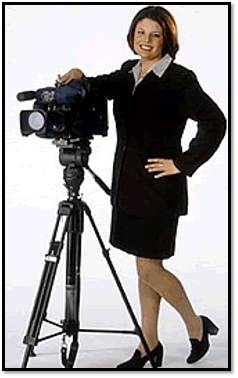
Sweet little me, in my publicity shot for AgDay Television, a long time ago.

But here’s a secret. Reporters want to get it right. They don’t want to leave a critical element out of the story. They want their sources to want to be interviewed again.

Let me clarify about reporters before I move on.  When I’m talking about reporters, I’m not talking about people like Laura Ingram, Chris Cuomo, Sean Hannity, or Anderson Cooper. Yes, they’re reporters, but realistically, they’re current events talk show hosts that have an hour (or more) of content to fill. They have agendas and biases, and they tend to bring in guests that 1) affirm their opinion or 2) are fun to argue with.

The reporters I’m talking about are the journalists that report on a different topic (usually) every day; my experience is mostly with local reporters. Yesterday they might have written a story about the crashing oil economy, today they’re writing about a lack of rain and the impact on crops, tomorrow they may write a medical story. They have about six hours – if they’re lucky – to turn a story. The newsroom they work in may be loud and stressful. The job is thankless. They’re overworked and underpaid. Public sentiment toward them skews low.

On a daily basis, they are given a story assignment, gather background information, identify potential interview sources, hope the sources will be available for an interview in time to put the story together, and then sort through a plethora of information to tell a story that makes sense.

In telling a story that quickly, reporters sometimes get it wrong – it’s not often – but they’re humans dealing with a lot of information that they may not know much about.  Mistakes can happen. It’s frustrating when they get it wrong, but trust me, they’re just as frustrated about the mistake as you are.

Picture2

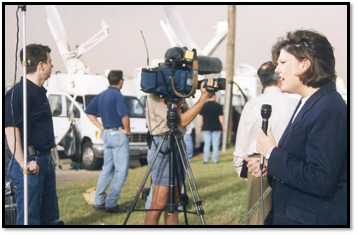
Covering the Moore, Oklahoma tornado in 1999. Turning a story in a sad, high stress situation when you can’t find your way around because the street signs are gone can lead to mistakes. 

I regularly hear from colleagues (with an angry tone) something like this: “That reporter talked to me for 20 minutes, and then when I watched the news, they used two sentences.” It’s true. Reporters chop interviews down to fit within the time or space given by management. Because they have limited time, they have to choose which info to use, and which to scrap based on what they think is important. It’s called framing theory, and I did an entire dissertation on it. It goes back to the reporter’s knowledge of the topic, their opinions and ideologies of it, and management’s policies. Are reporters biased? They can be. They’re humans with brains, feelings, and opinions. Sometimes they have preconceived notions of a topic, and you may see some of that in their reporting. I’m 100% guilty of this. For example, I wouldn’t give an animal rights organization, such as PETA or HSUS, the time of day.  I look back now and see it wasn’t responsible journalism, but coming from an animal ag background, I didn’t want to give those groups a platform. It’s not right, but It happens.

But here’s the thing.  Reporters have a constitutional responsibility and right to disseminate information.  They’re going to tell stories, and they’re going to find sources to help them tell that story.  If you have expertise on a topic, shouldn’t it be you that’s willing to talk to them? Shouldn’t you be helping them understand a topic? If you decline an interview request, a reporter with a 5 p.m. deadline will move on to someone that will talk to them, and sometimes, the person they find doesn’t have knowledge that you may have.

Don’t miss out on an opportunity to talk about agriculture, science, or your specific industry just because you’re afraid of being misquoted.  Someone needs to speak up for your industry, and it might as well be you.  In the words of a motivational speaker (probably at some 4H conference) I once heard: “If not you, who? If not now, when?”

But really.  If you don’t do it, who will?  Be a resource. Help the media understand. Often when someone is misquoted, it’s because the reporter didn’t fully understand the technicalities.  Visit with them before the recorder rolls and let them know you want to help them disseminate good information. Speak up for your industry.  Let reporters know when they did a good job, and they’ll come back to you for your expertise again. Seriously:  If not you, who? If not now, when?

Picture3

Me and hubby, after writing that dissertation. This really has nothing to do with this blog post, other than I had to look through old pictures for my post and found this one. 


File Management

When editing video, many of us want to just upload our assets into Premiere and get started.  But wait just a minute.  There are a few steps you should take to manage those files.  First it minimizes file loss. Second, you can locate your files.  Third, you won’t confuse Premiere.  Fourth, you won’t confuse yourself.

In the field

If possible, back up your video or photo files immediately after you shoot.  I like to keep my laptop in my car and back up my footage to an external hard drive as soon as I finish.  Technically, I’ll drive do the nearest gas station and do it there so that the farmer I just interviewed doesn’t think I’m a weirdo, but you get what I’m saying. At this point, I’m not too picky about my filing structure.  I’ll take care of that at the office.

Back at the computer

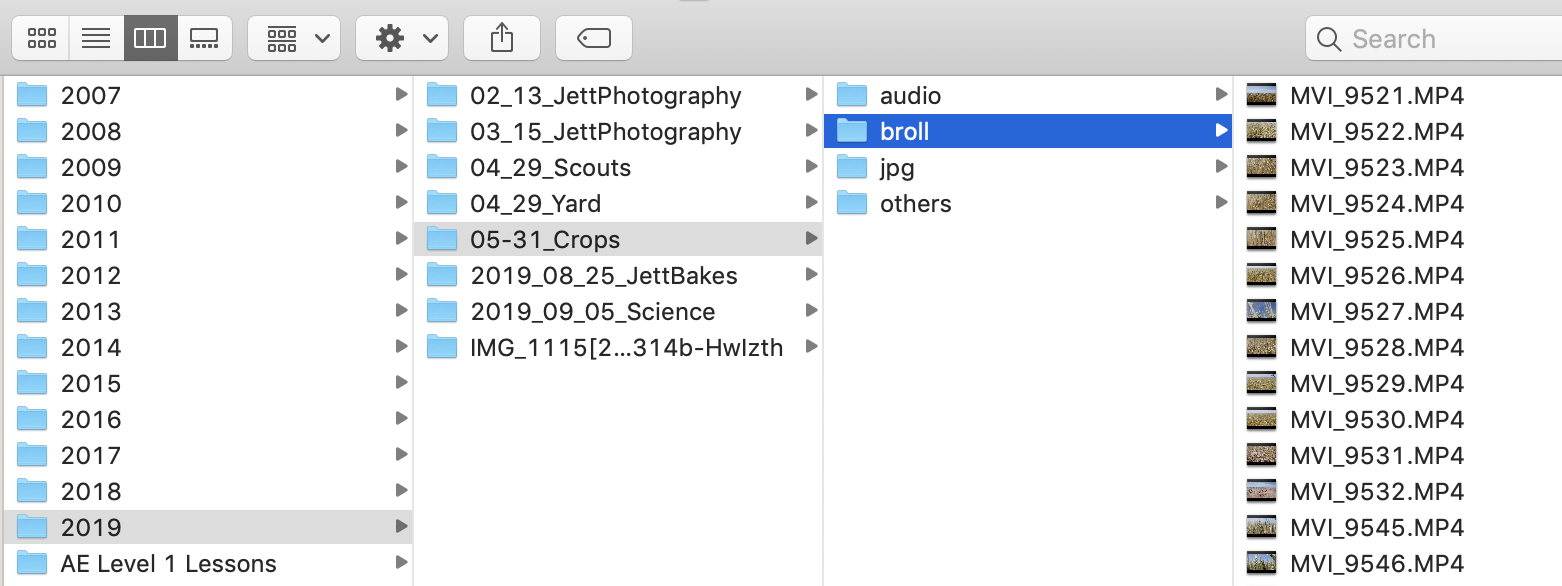
On your computer or a hard drive (ideally both), create a folder that’s in a place where you can remember it. Below is a screenshot of my external drive. His name is Elvis (all my externals are named. I’m not weird!).

You should have an individual folder for every project you edit. I sort my projects by year.  Because I think chronologically, I name my projects with the date first, then project name. Notice, I have the single digit months as 01, 02, etc. That’s because when I get into double digit months, the computer will put October in front of January, and will give my chronological brain fits.  I did the same for days and months.  So, 09_05_Science.  That project was shot on September 5, 2019.

screenshot

Additional organization

From there, I sort out my project files by type.  I have a folder for audio, one for b-roll, one for photos, and a file for other stuff if needed.  I may make extra folders. For example in one project I had lots of interviews, so I separated those into their own folder.  In general, I’ll keep my voice track and music in the audio folder. Sometimes I’ll call jpgs photos. That all depends on if I shot photos in camera raw or not (If I do, I’ll convert them to jpgs for video editing).

But why?

This isn’t because I’m trying to bring Marie Kondo into my video production (her influence is heavy in my closet and dresser). I was doing this long before I organized my clothes. Like our clothes, our video production files can be all over the place: sock in the living room, jeans in the closet, photo on the desktop, music in iTunes.  When you’re in a hurry and need that sock – I mean file – you’re probably not going to remember where you left it.  By spending an extra two minutes on the front end, you’ll probably save an extra 10 minutes when you’re trying to finish a project.

Another reason:  Premiere is happier when your files are tidy. When your files are organized, you can open a Premiere project, and import your b-roll folder, then your audio folder, and so on.  Need to add more songs to your project? Easy. Just add them to the audio folder on your drive, then upload to Premiere. When Premiere pulls files from one place, it doesn’t have to work as hard. And as you’re editing, your files are pre-sorted and easier to find.  Plus, I find it’s easier to edit when my files are in bins with just a handful of files. I can scroll through them faster.

Another reason: I run into this issue with students a lot.  Let’s say that a friend gave you some photos to use in a project on a jump drive. You plug it in, import it to Premiere, edit your project, save, return the jump drive, give the jump drive back.  As soon as you take that jump drive out of the computer, Premiere can’t find it and will leave an ugly hole in your project. Usually this can be fixed by plugging the jump drive back in, but what if your friend left town with her jump drive?  Now you have to go find different pics.  It could have been fixed by putting the image in the photos folder in the first place. I equate this to a broken link on a website. The computer simply can’t find the file that you had once placed there.

Be awesomepremiere

The most efficient and effective editors adopt some file management system. Mine may not work for you, but create SOMETHING that you and your team can understand.  Again, a few minutes at the front will save a lot of time and stress (and bad words) when you’re crunching to finish a project.

Happy editing! And tidy up!

Follow Me to Premiere Help

premiere
Don’t follow ME – Follow these people!

I love to edit video. I love Adobe Premiere Pro.  Actually, I love all Adobe products, but Premiere is my jam.

Unfortunately, I don’t get to use Premiere every day.  I’m lucky if I get to use it once a week.  This means that there is so much about Premiere that I don’t know.  So, when I see a neat video trick that I want to include, most of the time I have to find instructions on YouTube. Over the years, I have found several editors on YouTube that are really good. Their instructions have saved me lots of time and prevented a lot of cussing. Very few of these YouTube channels focus on Premiere exclusively; they incorporate a lot of Adobe’s other programs.

levine

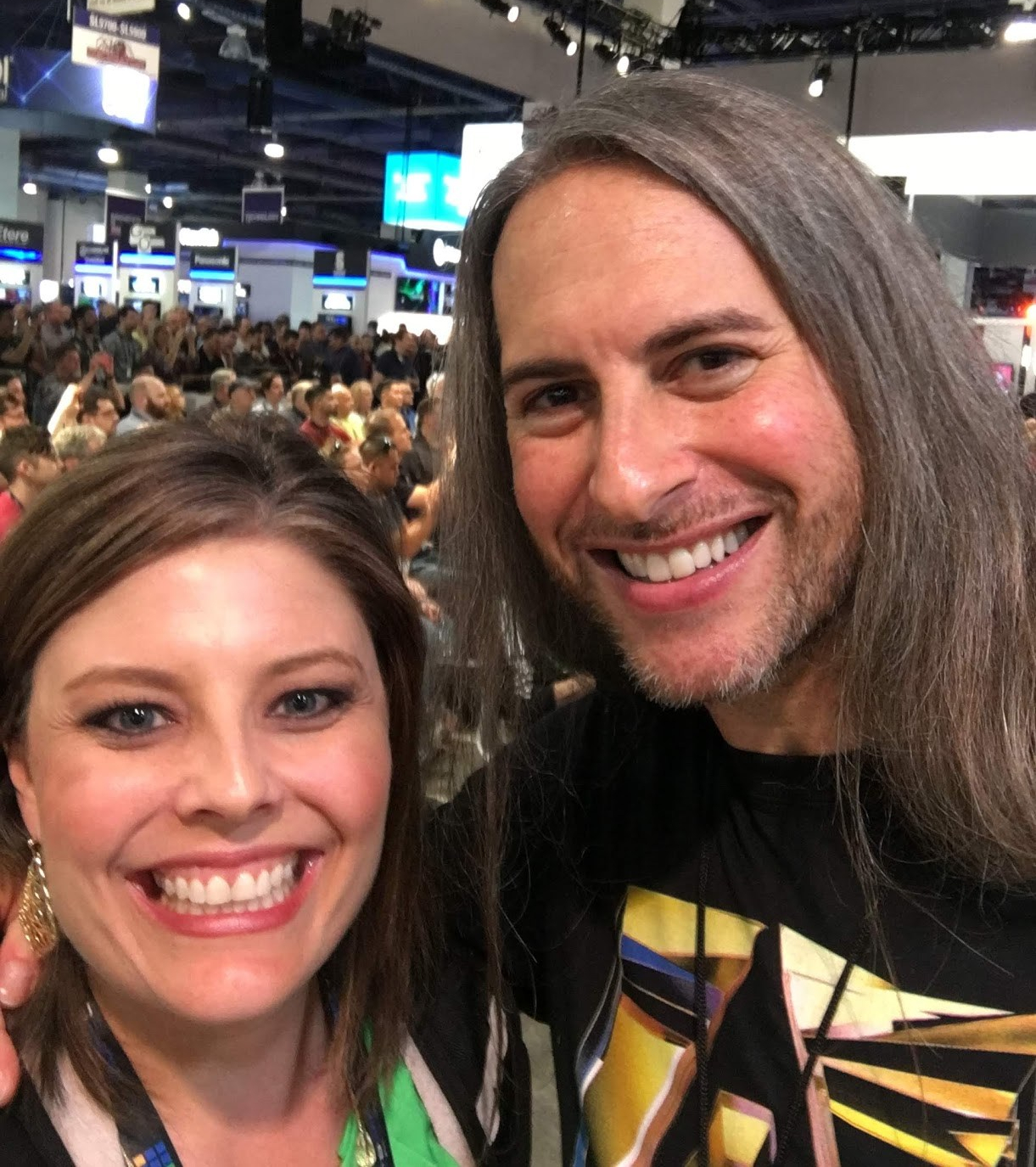
Jason Levine – Jason is the Principal Worldwide Evangelist for Adobe Creative Cloud. Any time I have a chance to watch him at AdobeMAX or National Association of Broadcasters, I go listen. This guy knows Premier/Audition/AfterEffects better than almost anyone.  His lessons are at a perfect pace and he explains things really well. He has an entire Audio 101 series of lessons about Audition.  This is the guy to follow. Also I fan girled him at NAB last year and got a pic with him, so we’re basically best friends.   @Beatlejase

Premiere Gal – She’s just as good as my BFF Jason.  She also presents information in a way that’s easy to understand.  She goes at a little faster pace, which is sometimes exactly what I’m looking for.  Follow her. She’s great. @premiere_gal

Peter McKinnon – Peter does tutorials on photography, videography, editing…he’s great. I like that I can find more instructions than just Premiere on his page. @petermckinnon

Valentina Vee – Valentina isn’t necessarily a Premiere person, but she does great video work. I use her page for inspiration. She’s another person that if she’s speaking somewhere, I try my hardest to go watch her.  @valentinavee

Mike Russell – Mike has videos on basically everything you never knew you wanted to do.  He has great thumbnail images and is a nice example of a well-managed YouTube page. @imikerussell

Last, but maybe should be first…

Adobe Creative Cloud – There are videos regarding all of Adobe’s products. But if you can’t find it from the makers of the software, where would you find it? @AdobePremiere

Finally, I wanted to provide this link to Jeff Greenberg’s and Abba Shapiro’s presentation from the 2018 AdobeMax. Jeff and Abba provided so many helpful power tips for Premiere. I was in the audience when they recorded this presentation, and I have watched it at least twice since. There is so much helpful information here.

As much as I love to edit in Premiere, I’m no expert.  I’m really more of a curator and like to help connect people with helpful sources.  So here are my main sources.  Happy editing!


My Course Pack

Years ago, I struggled to find a textbook to help my students learn Premiere Pro.  I’m not trying to make movie directors out of my students, nor am I trying to turn them into television reporters. My goal for my Video Production in Agriculture course is to give students the understanding and knowledge of how to produce a good quality promotional video.  Most of our alumni work in public relations of some sort, so I want our graduates to understand how to make a basic video to promote the client/employer, or at least understand the process enough to know how to look for a production company.

Seeing that there was not a textbook that fit what I was looking for, I decided to write one myself.  The book has had several iterations over the years. Adobe keeps updating Premiere Pro – and these updates lately have been GAME CHANGERS (thanks, Adobe!) I wouldn’t necessarily call this a book; it’s a course pack.  But it takes so long to update it every year, that it feels like a book.

Aside from equipment recommendations, the a common request from alums is a copy of my course pack. Some former students have told me they have hung onto it and use it as a reference.  But again, some of the updates have been so incredible, you’ll want a more recent version. Up to date as of September 6, 2019.

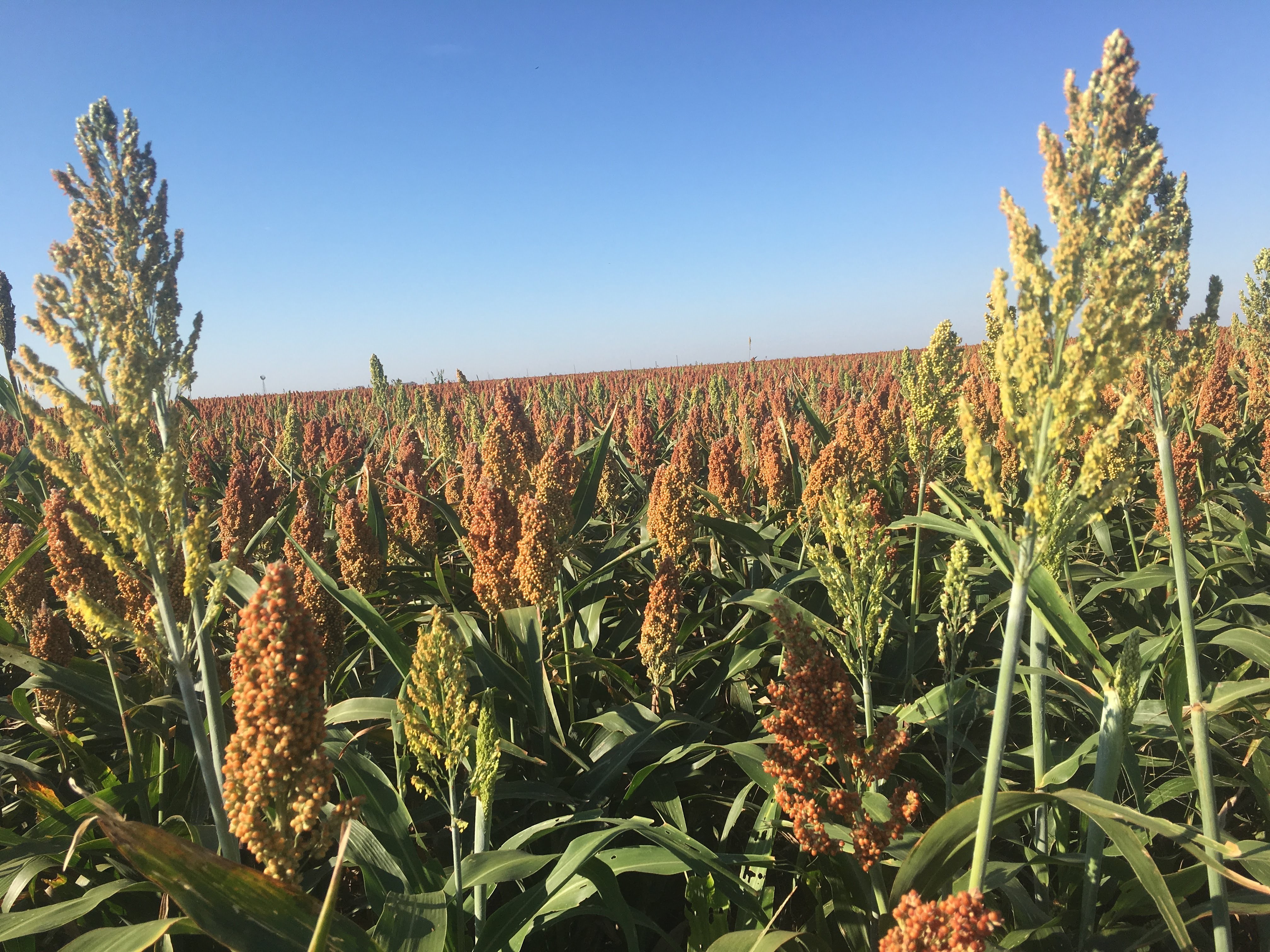
I don’t have a nice cover on my course pack, so I’ll share a photo I snapped of my husband’s pretty field of sorghum the day after I finished the course pack.  Yes, the horizon is crooked.

PremierePro course pack

Nice field of Texas sorghum

Scott Irlbeck‘s irrigated sorghum. Swisher County, Texas. September 7, 2019

Microphones

If you want to turn a decent video into a really good, professional-looking video, you need to do two things. Get a good microphone and use a tripod.

I’ll save the tripod lecture for another time and focus this one on the microphone.  If you ever plan to do any kind of interviewing, a good microphone is a must. If you record someone talking and you’re using the microphone that’s built into the camera, the audio is going to sound as if the person is in a tin can.  It sounds awful.

If video is going to be a big piece of your communications plan, spend the money to get a good microphone.

Rode Wireless GO Compact Wireless Omni Lavalier Microphone System Kit (2.4 GHz)The first microphone I would recommend is the Rode Wireless GO. This is a fairly new system and it’s brilliant.  The microphone is right there in the transmitter.  This means there isn’t a cord that doesn’t quite get plugged in. Or wires that fray over time. Basically, you can’t mess it up. If you don’t like the boxiness of the mic-and-transmitter-in-one, the kit comes with a lavalier.  My only complaint is the boxiness of the microphone, but I’m sure they’ll work it out.  This retails for around $275 which is a great price.  We have two of these for the video production class and so far, we’re really pleased with the quality of audio we’re getting.

Sennheiser EW 122P G4 Camera-Mount Wireless Cardioid Lavalier Microphone System (A: 516 to 558 MHz)

If you have a little bigger budget, I’m a big fan of Sennheiser products.  The audio quality is always very crisp. Also, the microphones we use get used a lot by students. These microphones at left are very durable, easy to use, and have yet to let us down.


A really good investment I made several years ago was in the kit at the right.  It’s aSennheiser MKE 600 Shotgun Mic with Boompole, Bag & Shockmount Complete HDSLR Kit Sennheiser boom microphone kit. I call it the big fuzzy, because the wind screen looks like a fuzzy stuffed animal.  I use this microphone more than any of the others.  The audio quality is top-notch, and I don’t have to worry about hiding a lav or its cord, I can take it out in the wind and it still sounds good, and there are lots of mounting options to easily get the audio you want. It also comes with a bag to put all the stuff in.


Of course, these are just my suggestions based on my experience.  Always do some shopping around and look for the system that works best for your operation and budget. The important thing is that you make the effort to get good audio.  Once again, the built in microphones on cameras and computers are not very good.  Spend a little money and get something to enhance your audio.

Also go buy a tripod.